
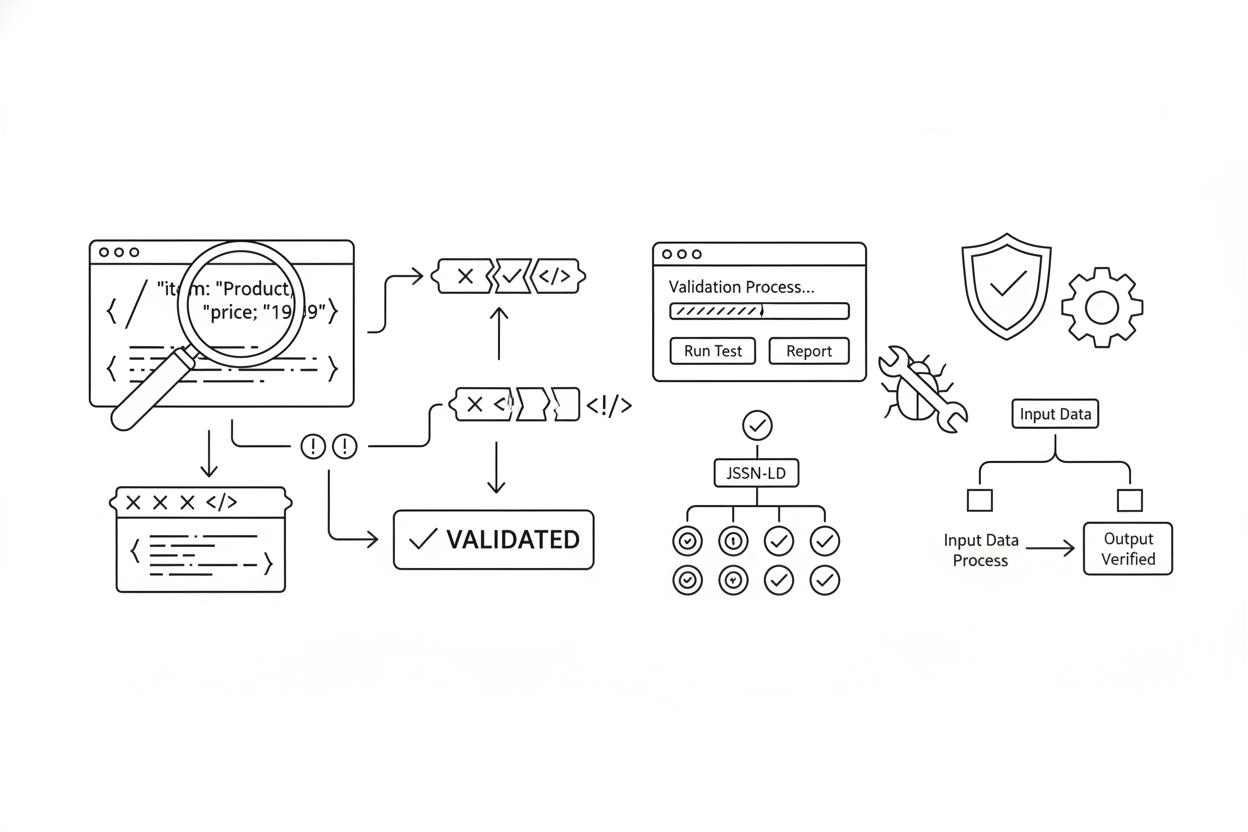
Implementing Schema Markup is only half the battle. You can meticulously craft the perfect JSON-LD script, detailing your Product offers or FAQPage answers, but if there's a single syntax error—a missing comma, a misplaced bracket, or an incorrect property value—your efforts are wasted. Broken schema is often worse than no schema at all, as it sends confusing signals to search engines.
Validation is not an optional final step; it is an integral part of the implementation process. Without it, you have no guarantee that Google can understand your structured data or grant you those coveted rich results.
Building on our guides to what Schema Markup is and how to implement specific types like FAQ Schema and Product & Review Schema, this article provides the definitive workflow for testing and debugging your structured data using Google's and Schema.org's official tools.
Chapter 1: Why Validation is Absolutely Critical
Implementing invalid schema can lead to several negative outcomes:
- Ineligibility for Rich Results: Google simply won't grant rich snippets (stars, FAQs, pricing) if the underlying structured data is broken or doesn't meet their requirements.
- Misinterpretation by Search Engines: Incorrect schema might cause Google to misunderstand the context of your page, potentially impacting relevance signals.
- Wasted Crawl Budget (Minor): While schema itself is usually small, debugging and fixing errors later requires additional crawls. Getting it right the first time is more efficient.
- Potential Manual Actions (Rare but Serious): Intentionally misleading or spammy structured data (e.g., hiding reviews, marking up non-visible content) can lead to penalties. Validation helps ensure compliance.
Chapter 2: The Two Essential Validation Tools (And Their Differences)
You need to use two primary tools for comprehensive validation. They serve different but complementary purposes:
- Google's Rich Results Test (RRT) Purpose: Tells you if your page is eligible for Google's rich results (like FAQs, Products, Recipes, etc.). Focus: Validates only the schema types and properties that Google currently uses for specific rich snippets. It enforces Google's specific required and recommended fields. When to Use: Always use this first to check if you qualify for the visual enhancements in Google Search.
- The Schema Markup Validator (SMV) Purpose: Tells you if your structured data syntax is technically correct according to the official Schema.org vocabulary. Focus: Validates all Schema.org types and properties, regardless of whether Google uses them for a rich result. Checks for syntax errors (commas, brackets, etc.) and correct property usage based on the Schema.org standard. When to Use: Use this after the RRT, or primarily when implementing schema types that don't produce rich results (like Organization or WebSite), to ensure foundational correctness.
The Key Takeaway: The RRT checks for Google eligibility; the SMV checks for universal technical correctness. You need both.
Chapter 3: The Validation Workflow (SOP)
Follow this simple workflow every time you implement or update schema:
- Generate Your Schema:** Use a generator tool or ensure your PSEO template creates the JSON-LD script.
- Implement (Staging/Preview Recommended):** Place the script on your page, ideally in a staging or preview environment first.
- Test with Rich Results Test (RRT): Go to the Rich Results Test. Enter your URL (if live/staging) or paste your code snippet. Analyze the results: Green Checkmark ("Page is eligible...")**: Success! Review any warnings for recommended properties. Red Exclamation Mark ("Not eligible...")**: You have critical errors. Expand the specific schema type (e.g., "Product") to see the exact errors (e.g., "Missing field 'price'"). Iterate and Fix:** Correct the errors in your schema code or template and re-test until you get the green checkmark.
- Test with Schema Markup Validator (SMV): Go to the Schema Markup Validator. Enter your URL or paste your code snippet. Analyze the results: "0 Errors, 0 Warnings":** Perfect technical syntax. Errors/Warnings:** The tool will highlight specific lines with syntax errors (e.g., "Missing ',' or '}'") or incorrect property usage according to Schema.org standards. Iterate and Fix:** Correct any syntax errors and re-validate.
- Deploy & Monitor:** Once both tests pass, deploy your changes. Monitor Google Search Console's "Enhancements" reports over the next few days/weeks to ensure Google is successfully processing your structured data and that no new errors appear. If errors are reported in GSC, use the **URL Inspection Tool**'s "Test Live URL" feature for immediate feedback.
Chapter 4: Common Validation Errors and How to Interpret Them
Understanding the error messages is key to fixing them:
- Missing field "..." (RRT): You forgot a property Google requires for that rich result (e.g., missing
priceinOffer). Add it. - Incorrect value type (RRT & SMV): You provided a value in the wrong format (e.g., putting text where a number is expected, or nesting an object where a string is expected - a common issue with CMS Rich Text fields). Ensure your template extracts the correct data type.
- Missing ',' or '}' (SMV): A basic JSON syntax error. Carefully check your commas between properties and your closing brackets. Generators usually prevent this.
- Property "..." is not recognized (SMV): You've used a property name that doesn't exist for that specific Schema.org type. Check your spelling or consult the Schema.org documentation.
Expert Insight for PSEO (The Importance of Template Testing): "When validating schema on a PSEO site, the biggest mistake is only testing one sample URL. Your template might work perfectly for a product *with* reviews, but fail catastrophically for a product *without* reviews if the logic isn't robust. Always test multiple URL variations generated by your template: items in stock vs. out of stock, items with vs. without ratings, items with special characters in the name, etc. Fixing the template once fixes thousands of pages. Missing a template error means thousands of broken pages."
Conclusion: Build Trust Through Accuracy
Schema validation is the quality assurance step that turns structured data implementation from a hopeful guess into a reliable technical process. By rigorously testing your markup against both Google's requirements (RRT) and Schema.org's standards (SMV), you ensure that search engines can accurately understand your content, reward you with rich results, and ultimately build greater trust in your brand (E-E-A-T).